Everything a household actually tracks, in one app
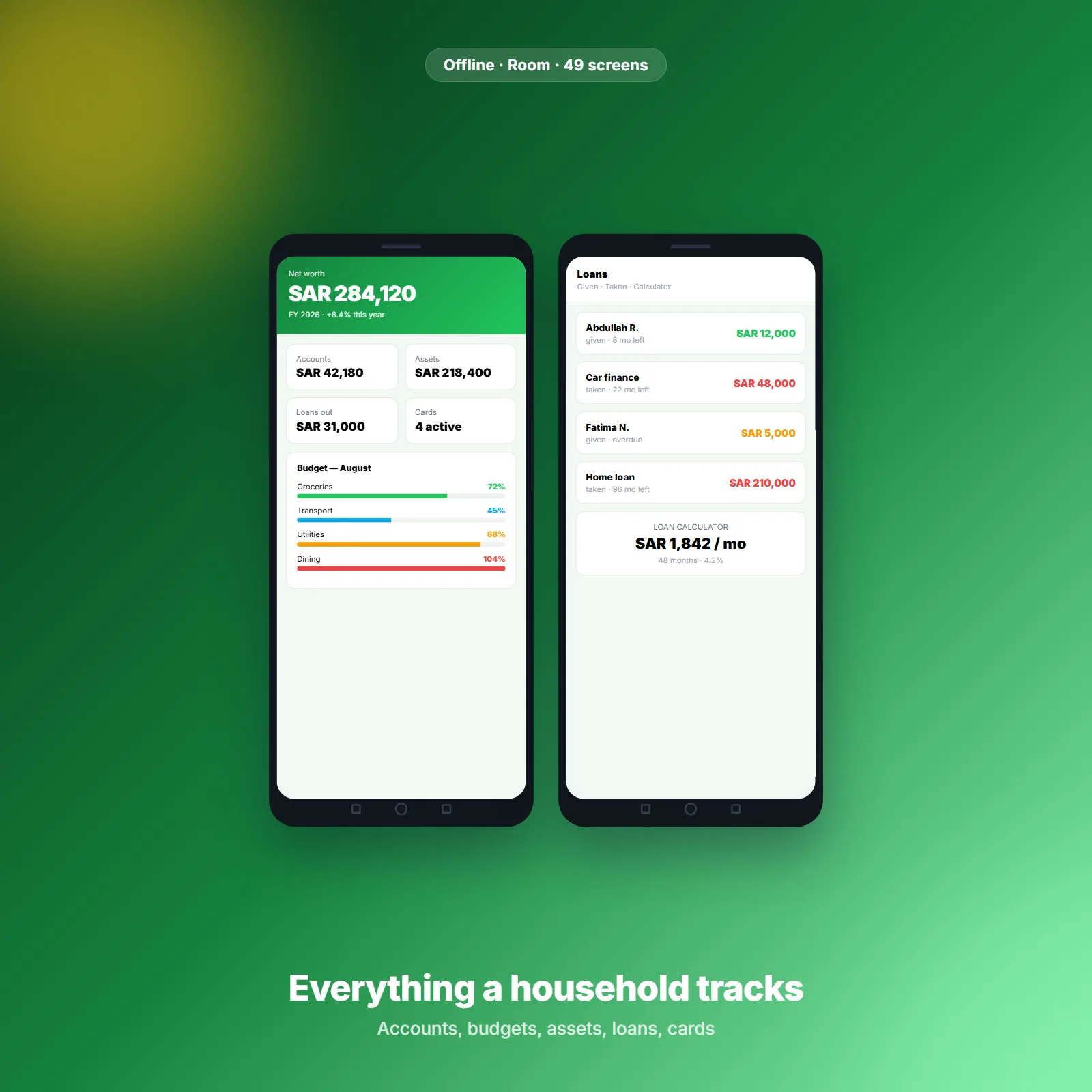
Most finance apps stop at income and expenses. My Wallet covers what people genuinely keep records of — the loan they gave a relative, the gold they bought three years ago, the card that renews next month, the documents that belong to each family member — and keeps all of it on the device, in a local Room database, with no account required.
150 classes and 49 screens, all working offline.
Money
- Accounts with detail, editing and listing
- Transactions and journal entries, for people who want a proper double entry rather than a running list
- Budgets with entries tracked against them, per period
- Financial years — records grouped the way accounting actually works, not by rolling calendar
- Reports as both a screen and a fragment, with summary views
Assets
Assets with their own event history — purchase, revaluation, sale. An asset sell flow closes the position and records the outcome, so what an asset actually returned is a fact in the app rather than a memory.
Loans
Loans given and taken, each with an event history, plus a built-in loan calculator. Money lent to a person is linked to that person's record.
Cards
Card records organised by category, with detail and editing — renewal dates, limits and the details people otherwise keep in a photo on their phone.
People and family
- A person register with search, detail and relationships
- Family tree, with members, marriages and relations modelled properly
- Family documents and contacts attached to members
- Loans, transactions and notes tie back to the person they concern
Notes and vault
Text notes, checklists, and a separate vault for things that should not sit in an ordinary note — behind the app's PIN.
Privacy and safety
- PIN lock on the app
- BackupManager and a restore chooser — backups the user controls
- SyncManager with sync state tracked in the database
- All data local; the app is fully usable with no network at all
Localisation
Currency picker and language picker as first-class screens, with a seeded currency table — multi-currency is a setting, not a rewrite. Onboarding walks a new user through setup.
Technical
- Storage: Room — 19 DAOs, matching entities, type converters and a database seeder
- Architecture: Activities and Fragments over a single Room database
- Offline-first: no server required to run the app
What you get
The complete Android Studio project in full source, with the Room schema and the seeded reference data.

 Paid